Vibe-Check
Co-built with Stan Flint ↗, vibe-check is a Chrome extension and website that helps make presentations more interactive. Users can react and comment on presentations in real time, while presenters can see live statistics on the overall vibe of the room.
After a successful summer of development in 2023, we released the Chrome extension, opened beta testing, and carried out user testing.
User trying to join a room. Users can scan a QR code or type in a room code.
Origins
The night before the Hack the Burgh 2023 hackathon, some friends and I were in my living room complaining about the lack of interaction in our university lectures.
In simple terms, the conversation went like this:
"I'm not sure if I'm the only one, but I find it hard to stay awake in lectures."
We felt that lectures often resembled low-quality YouTube videos and didn't take advantage of the interactive potential of being in the same room as the lecturer.
Hack The Burgh
Following that conversation, along with Paulina Gerchuk ↗,
David Higgins ↗,
Archie Forster ↗,
Wietske Holwerda ↗ and
Stan Flint ↗, we decided to build a system to help us stay engaged in lectures.
With only 24 hours to build a proof-of-concept demo, we focused on the core features. Here's where we got to:
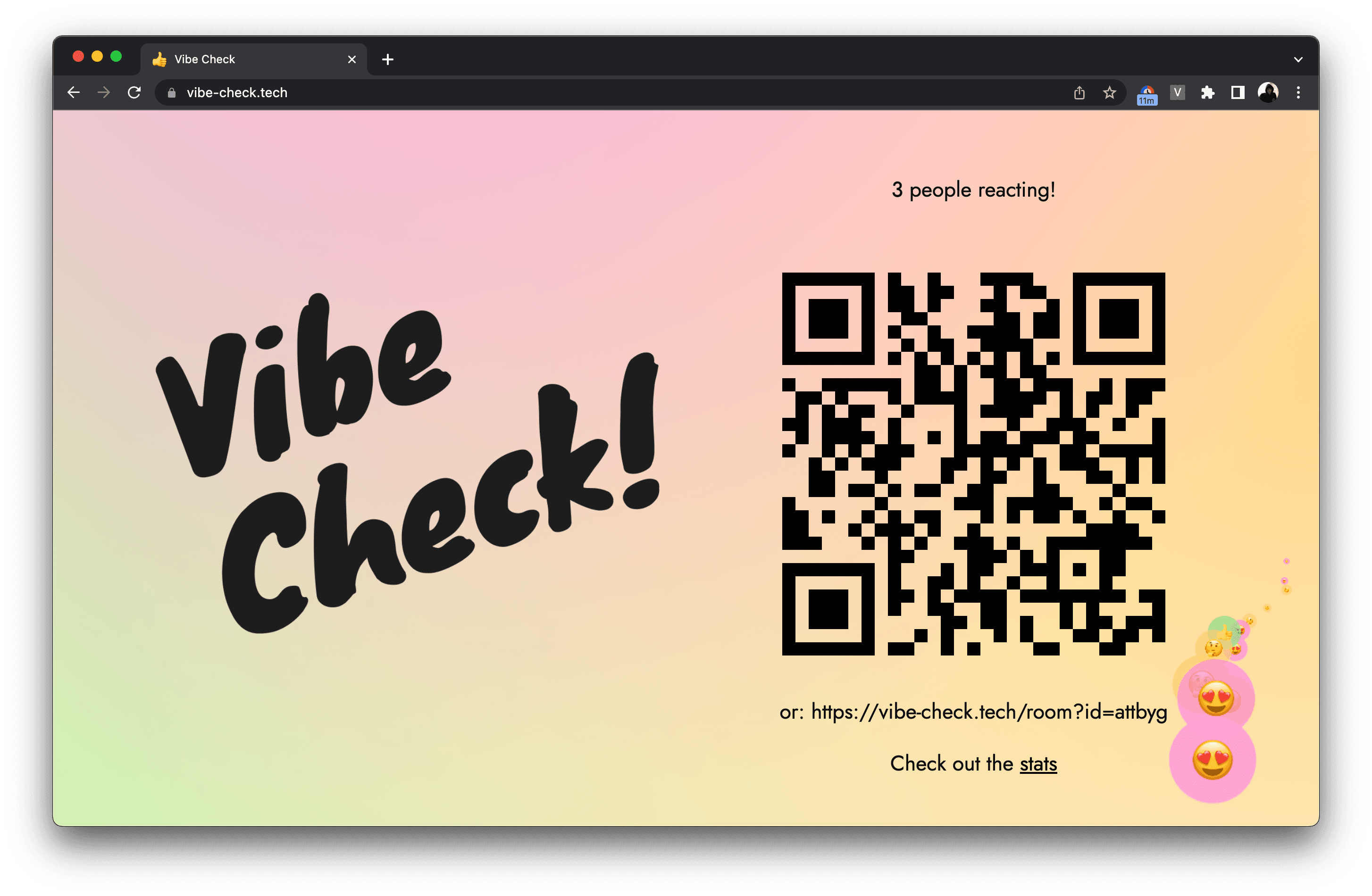
During our demo, judges could scan the QR code and open the client on their devices. As we presented, they could react and comment in real time.
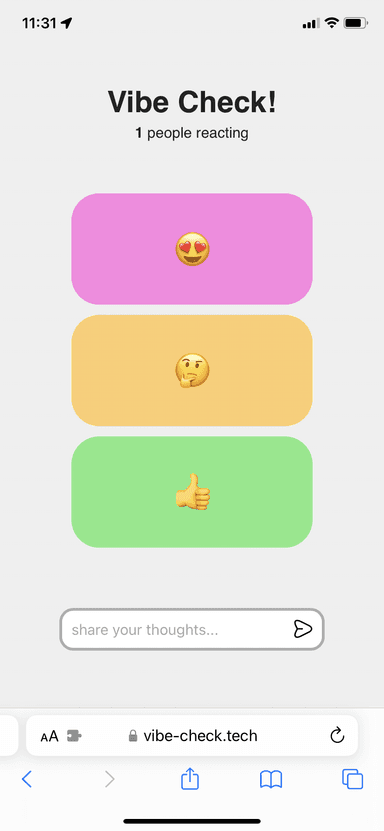
The audience can react and comment.
The hackathon was a success. While we won several smaller prizes, the best outcome was receiving direct feedback from heads of school and lecturers. They saw the potential of the system and wanted it developed further.
On the left, the audience view after scanning a QR code. On the right, the presenter with overlaid reactions and comments.
V2
By the end of March 2023, Stan Flint ↗ and I decided to continue working on the project. We had clear ideas about what we wanted to build and how it could improve university lectures.
We planned to showcase our progress and partner with lecturers in September 2023, the start of the next academic year.
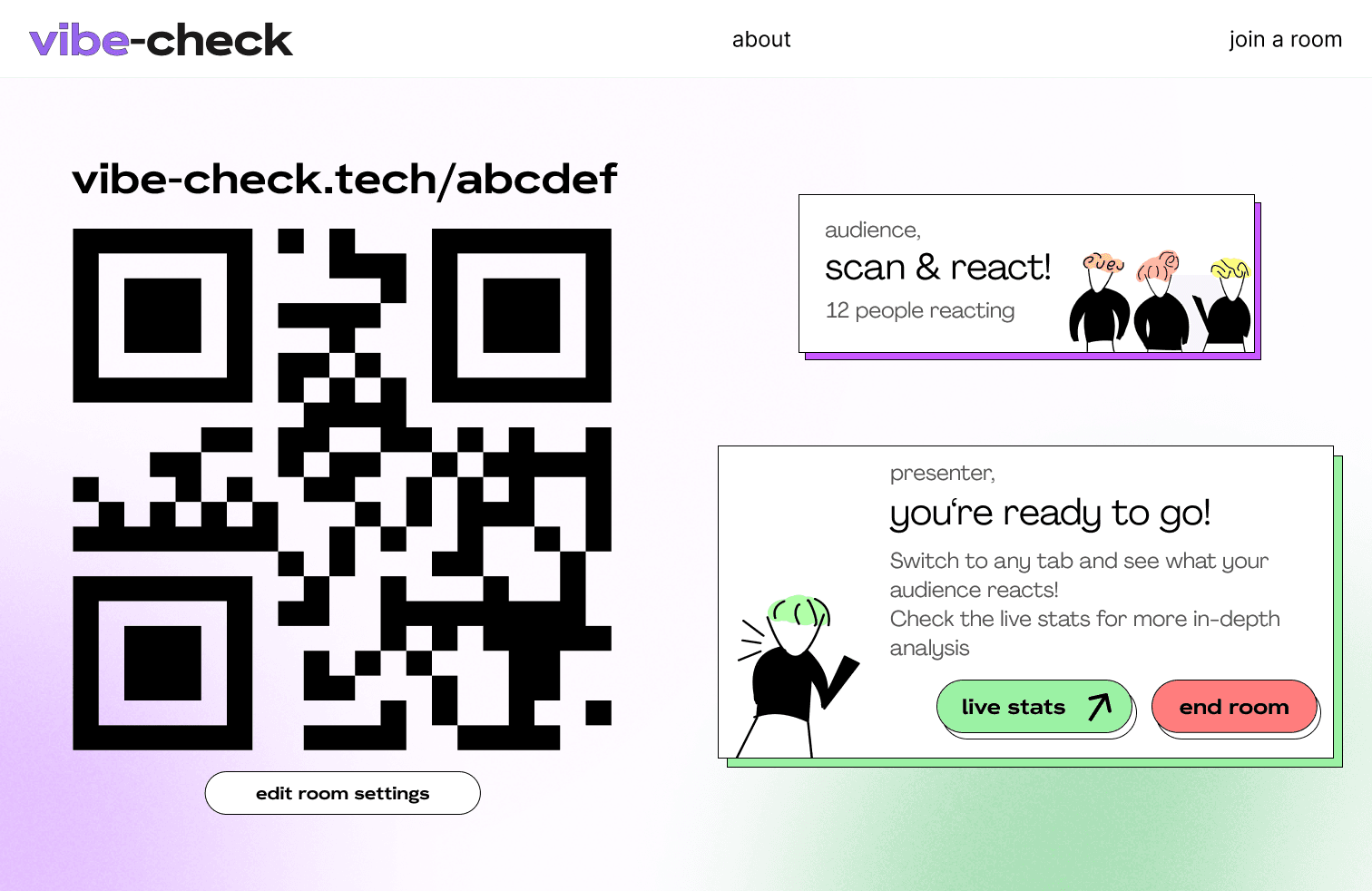
Presenter dashboard, mid-summer 2023
Our timeline gave us a couple of months to build a real MVP. This included:
- Deploying the extension to the Chrome Web Store
- Building and deploying the website for presenters and audiences, including the backend
- Creating a promotional site for lecturers to sign up for updates
We used Svelte, Next.js, WebSockets, and DigitalOcean.
I'll focus on the most interesting part of the system:
Monorepo
As a multiplayer game developer, Stan was quite fond of the monorepo structure. It enables consistent logic execution on both client and server. For example, in multiplayer games, player movement is calculated on the client (for responsiveness) and on the server (to validate correctness).
When Stan suggested using this structure for our Chrome extension, website, and backend, I was sceptical. Would it actually help, or just add unnecessary complexity?
My concerns were quickly resolved. The monorepo proved to be a game-changer. Sharing types and helper functions across the three domains was useful, but what stood out most was the ability to share Svelte components between the website and the Chrome extension. No duplication, no separate UI library.
The main challenge was the amount of configuration and build tooling required. We created a custom webpack.config.js to enable a unified development experience. With a single npm run dev, we could run and hot-reload the server, website, and extension simultaneously.
Since then, I've used this structure in all my projects. I highly recommend it.
Chrome extension
Why not a desktop app?
All computers at the University of Edinburgh have Chrome installed, and administrators can install extensions without user interaction. This made setup trivial. As soon as a lecturer opened a computer to present slides, the extension would already be available.
A desktop app would have been more flexible, especially for non-Chrome users, but we estimated that around 90% of lecturers already use Chrome's built-in PDF viewer in full-screen mode.
UX
This was the first time I seriously thought about UX (user experience). I often found myself asking how to make the system more intuitive.
It started while pitching the system to a professor in late May 2023. Stan and I realised we needed influential lecturers to support us and become early users. The week before, I had reached out to as many relevant lecturers as possible. Within a few days, I had several meetings scheduled.
The pitch was awkward. I clearly remember the professor tilting his head and saying, "I'm not sure I understand what this is." Despite being highly influential in Computer Science, the concept of a Chrome extension wasn't familiar to him. An injected overlay on top of a website felt unintuitive. Watching him use the system made the confusion obvious.
I don't blame him. The system needed to be much simpler to understand if we wanted adoption, especially in academic settings.
Demo of the Chrome extension overlay showing comments and reactions
I experimented with dozens of variations of layouts, feedback systems, and animations.
Where should comments appear? What happens if users want to click something underneath? What if they switch tabs? What if the host website leaks its CSS into the overlay?
Sync system on the Chrome extension
In hindsight, I'm extremely grateful to have tackled this challenge.
Stats
Part of understanding the vibe of the room is seeing what people are reacting to in real time. As the presenter speaks, they need a clear sense of how the audience is responding.
The idea was to build a /stats page that could be opened on a separate screen and track feedback live throughout the presentation.
Real-time stats view for presenters
Obsessively,
Tomas